How to Track UPI Payments in BHIM, PhonePe & GPay So They Don't Disappear From Your Budget
"UPI made spending so easy it became invisible. This is how to log, categorize, and finally see where your money goes across PhonePe, GPay and BHIM."
Admin
Expert Contributor
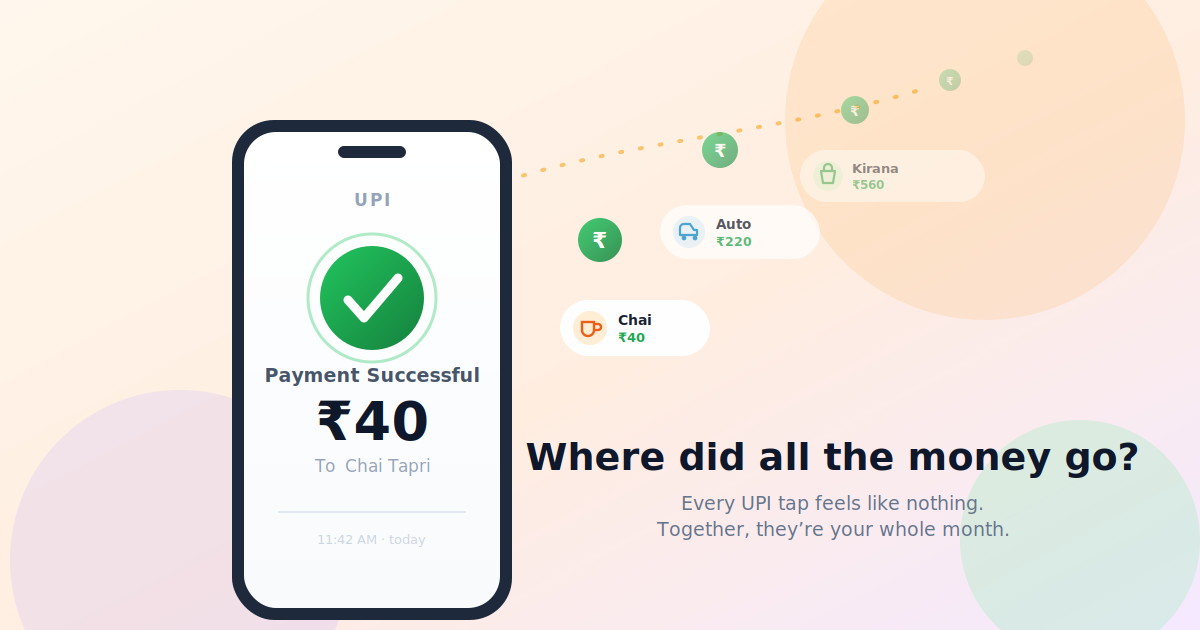
You scanned a QR code for chai. ₹40. Then ₹220 for the auto. ₹560 at the kirana store. ₹149 for a subscription you forgot you had. None of it felt like spending — just a thumbprint and a green tick.
Then the salary credit lands, you check your balance a week later, and there's that familiar punch in the gut: "Where did all of it go?"
If you've felt that, you're not bad with money. You're just paying the way 350+ million Indians now pay — through UPI, where every transaction is so frictionless it barely registers as a transaction at all. The problem isn't UPI. The problem is that your spending is now scattered across BHIM, PhonePe and GPay with no single place that tells you the truth about your month.
This guide fixes exactly that. By the end, you'll have a simple, 10-second habit to capture every UPI payment, a clean way to categorize it, and a method to actually see the patterns in your spending — instead of being surprised by your own bank balance.
Why UPI Spending Quietly Vanishes From Your Budget
Cash had a built-in brake. You opened your wallet, saw the notes thinning out, and felt it. UPI removed that brake entirely. Research on payment psychology has a name for this — the "pain of paying" — and tap-to-pay flattens it to almost zero.
But there's a second, more practical problem that nobody warns you about: fragmentation.
Most of us don't use one UPI app. We use whichever opens fastest at the counter. The auto guy has a PhonePe QR. The vegetable vendor prefers GPay. A friend splitting dinner sends a BHIM request. So your real monthly spend ends up shredded across three apps, three histories, three separate lists — and no app shows you the combined picture.
That's the core trap:
- Each app knows its slice of your spending.
- Your bank statement knows the totals but labels everything as a cryptic "UPI/DR/..." with no idea whether it was groceries or a gadget.
- Nobody is connecting "₹40 chai × 22 days = ₹880/month on tea" — the patterns that actually move your budget.
To take back control, you first need to know what each app can (and can't) tell you.
What BHIM, PhonePe & GPay Actually Show You
Before logging anything manually, it helps to know the raw material each app hands you. Short version: they're great at records, weak at insight.
PhonePe
Open the app and tap the History tab. PhonePe keeps a detailed log and lets you filter by month and by categories like Money Sent, Money Received, Recharges & Bills, and Merchant Payments. It's genuinely useful for finding a single transaction. What it won't do is tell you that "Food" is eating 35% of your income — its categories are about transaction type, not your budget.
Google Pay (GPay)
GPay lets you download a PDF statement of your transactions: open the app, go to your transaction history, tap the menu, choose Get Statement, pick a period, and you can save or share it. Newer versions even show monthly totals (expenses minus money received). Handy for records and reimbursements — but a PDF is a document to file away, not a dashboard that nudges your behaviour.
BHIM
BHIM has a straightforward Transaction History with full details for each payment (amount, recipient, date, the 12-digit UPI reference number). Clean and reliable for proof of payment. Insight and trends, though, aren't its job.
The takeaway: these apps are excellent filing cabinets. None of them is a budget. That gap — between "I have all the records" and "I understand my money" — is exactly what a small manual habit closes.
Quick tip: Whatever you do, don't try to delete UPI history to "clean up." You generally can't (PhonePe doesn't allow it; GPay only removes it via your Google account), and you'll want those records for warranties, disputes and reimbursements anyway.
The Fix: A 10-Second Manual Logging Habit
Here's the mindset shift that makes everything click: the goal isn't to record payments. The apps already do that. The goal is to record them in one place, in your own categories, so you can see yourself clearly.
That's a manual habit — and that's a feature, not a bug. The two seconds you spend logging a spend recreates the "pain of paying" that UPI removed. People who log their spends almost always spend less, simply because they're paying attention again.
Log it the moment you pay
The single best trick: log the transaction right after the green tick, before you put your phone away. Don't wait for the weekend "I'll do it all later" — you won't remember the ₹70 you spent on Tuesday.
In a simple expense-tracker app, this is a few taps:
- Open the app the second the payment succeeds.
- Punch in the amount.
- Tap a category (Food, Transport, Groceries, Bills…).
- Optional: a two-word note ("auto to office", "chai").
- Done.
It's faster than reading this sentence. After a week it becomes muscle memory — the same reflex as locking your front door.
What details to actually capture
You don't need a chartered accountant's ledger. For each UPI spend, capture just enough to be useful later:
| FieldWhy it matters | |
| Amount | The number that adds up |
| Category | The single most important field — this is what reveals patterns |
| Date | Lets you see weekly/monthly rhythm |
| Note (optional) | "Swiggy", "auto", "medicines" — turns a number into a memory |
| Payment app (optional) | Helps you reconcile against PhonePe/GPay/BHIM history later |
Everything else is noise. Keep it light, or you'll quit by day four.
How to Categorize UPI Spends (Without Overthinking It)
Categories are where tracking turns into understanding. Too few and everything is a blur. Too many and you'll agonize over whether a samosa is "Food" or "Snacks." Aim for 7–10 buckets that match how you actually live.
A solid starter set for most people in India:
- Food & Dining — restaurants, Swiggy/Zomato, that office canteen
- Groceries & Kirana — vegetables, the monthly ration run, BigBasket
- Transport — autos, Ola/Uber, fuel, metro
- Bills & Recharges — mobile, electricity, DTH, broadband
- Subscriptions — Netflix, Spotify, Prime, cloud storage
- Shopping — clothes, gadgets, Amazon/Flipkart
- Health & Medical — pharmacy, doctor, gym
- Transfers to people — friends, family, rent, help
- Miscellaneous — the honest catch-all for the weird stuff
Two rules keep this sane:
- One transaction, one category. Don't split a ₹500 dinner into food + tip + service. Pick the dominant bucket and move on.
- Tag the leaks specifically. If you want to cut a habit, give it its own category. Make "Chai & Snacks" a separate line and watch it become impossible to ignore at month-end.
The Payoff: Seeing the Patterns in Your Spending
Logging is the discipline. Patterns are the reward. A good tracker turns a month of small taps into a picture you can't un-see.
Once you've logged consistently for even two weeks, look for these:
1. The category breakdown
A simple pie or bar split of where your money went. The first time most people see it, there's a genuine "I spend HOW much on food delivery?" moment. That moment is worth more than any budgeting lecture.
2. The death-by-a-thousand-cuts spends
Individually invisible, collectively brutal. ₹40 chai twice a day is ₹2,400 a month. Three ₹149 deliveries a week is ~₹1,800. A tracker adds these up for you so the small stuff finally shows its real size.
3. The weekly rhythm
Most people have a "leak day" — usually Friday or the weekend, when spending spikes. Spot yours and you can pre-empt it instead of regretting it.
4. Month-over-month trends
The real win arrives in month two. Did "Eating Out" drop after you noticed it? Did "Subscriptions" creep up because of a free trial that started charging? Trends turn a static record into a feedback loop — and feedback loops are what actually change behaviour.
5. The "ghost" subscriptions
When every recurring UPI mandate sits in one Subscriptions bucket, the ₹149 service you stopped using six months ago becomes glaringly obvious. Cancelling two of those can quietly fund a goal.
A 5-Minute Routine That Keeps This Alive
Systems beat motivation. Here's the rhythm that makes UPI tracking stick:
- In the moment (5 sec): Log every spend right after it succeeds. Non-negotiable, but tiny.
- Daily (1 min): A quick glance at the day's entries to catch anything you missed.
- Weekly (5 min): Open your tracker's summary. Which category surprised you? That's your one thing to watch next week.
- Monthly (10 min): Reconcile against your PhonePe/GPay/BHIM history and bank statement to catch the spends you forgot. Then set one small intention for the next month.
That's it. Less time than you spend scrolling Instagram before bed — for a permanently clearer relationship with your money.
Pro Tips to Track UPI Like a Power User
- Reconcile, don't double-track. Once a week, skim your app histories purely to catch missed logs — not to re-enter everything. The manual log is your source of truth; the app history is your backup.
- Use one note convention. Always write the merchant the same way ("Swiggy", not "swiggy"/"food order"). Consistent notes make search and patterns far cleaner.
- Don't moralize your categories. "Wasteful" vs "essential" tags just make you avoid the app. Track neutrally; decide later.
- Round up, log fast. If you're rushing, log ₹40 as ₹40 and fix the note later. A logged-but-imperfect entry beats a perfect entry you never made.
- Screenshot the green tick when you genuinely can't log immediately, then enter it from the gallery that evening.
Frequently Asked Questions
Can't PhonePe, GPay and BHIM just track my budget for me? Not really. They track their own transactions and sort them by type, but none of them combines all three apps, and none of them maps spending to your budget categories. That unified, personalized view is exactly the gap a dedicated expense tracker fills.
Isn't manual logging too much work? It's about 5–10 seconds per spend, and that tiny friction is the point — it brings back the awareness UPI removed. Most people find they spend less simply because they're paying attention again.
How do I track UPI payments if I use multiple apps? Pick one place — a single expense tracker — as your source of truth, and log into it no matter which app you paid with. Optionally tag which app you used so monthly reconciliation against each app's history is easy.
Can I get an automatic statement of my UPI payments? Partly. GPay lets you download a PDF statement for a chosen period, and your bank statement lists UPI debits. But these show transactions, not insight — they won't categorize or reveal patterns on their own.
How long before I see useful patterns? About two weeks of consistent logging gives you a meaningful category breakdown. The real value — month-over-month trends — shows up from your second month onward.
What's the easiest way to start today? Log your very next UPI payment the moment it succeeds. Just one. Then the one after that. Don't try to back-fill a whole month — start now and let the habit build forward.
Stop Guessing Where Your Money Went
UPI didn't make you worse with money. It just made spending invisible — frictionless taps scattered across three apps, none of which adds up to the truth.
The fix isn't another bank statement or a guilt-trip budget. It's a 10-second habit: log it the moment you pay, sort it into a category that means something to you, and let the patterns surface. Do that for two weeks and the fog lifts. You stop being surprised by your balance and start making decisions on purpose.
All you really need is one simple place to log into. If you'd like a clean, no-fuss app built exactly for this, TheKharcha does the job — log your next chai and watch your real spending finally come into focus.
Your next UPI payment is the perfect place to begin.
Comments
Loading comments…